Photos for Uplands Cheese Farm
Directions to download images:
Note: "tiff" images are not compatible with viewing in a browser. However, by following the simple instructions below you can save them and then view them using a graphic editor.
Using Internet Explorer, right click on the link to the image you wish to download. Go to "Save Target As..." and then choose the directory you wish to save the file in. Name the file and then click on "Save".
If using a Mac. click on the link and choose "Save File As...". Then choose the directory you wish to save the file in, name the file, and click on "Save".
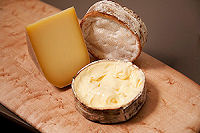 Pleasant Ridge and Rush Creek 1.6 m .tif |
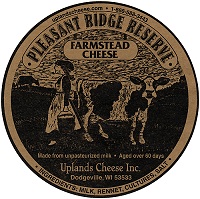 Pleasant Ridge Reserve label 12.1 .tif |
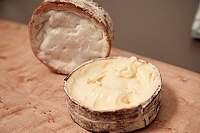 Rush Creek Reserve 702 k .tif |
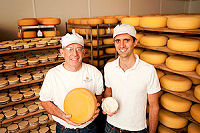 Mike Gingrich and Andy Hatch 1.53 m .tif |
 Uplands Cheese logo 1.56 m .tif |
 Andy Hatch 1.54 m .tif |
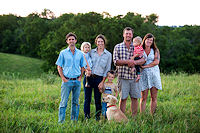 Uplands Cheese family photo 14.5 m .jpg |
 Uplands Cheese crew 2016 9.69 m .jpg |
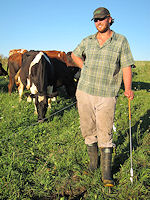 Scott 1.9 m .jpg |
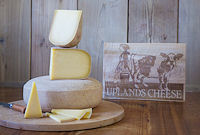 Pleasant Ridge Reserve 13.3 m .jpg |
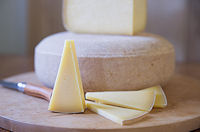 Pleasant Ridge Reserve 9.93 m .jpg |
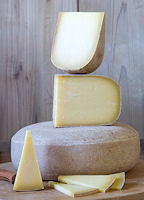 Pleasant Ridge Reserve 11.3 m .jpg |
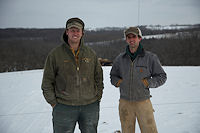 Andy and Scott 5.37 m .jpg |
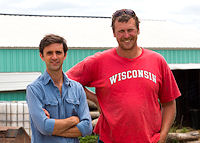 Andy and Scott 6.21 m .jpg |
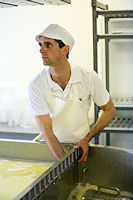 Andy 4.13 m .jpg |
 Andy 8.12 m .jpg |
 Andy 9.61 m .jpg |


